AnyRail vs SCARM vs XTrackCAD: Which Layout Planning Software Should You Use?
Three tools dominate free and low-cost layout planning for UK modellers. AnyRail, SCARM, and XTrackCAD each have genuine strengths — and real limitations. Here's which one to open first, and which to reach for later.


Rob spent a weekend building the benchwork before he noticed the problem. The plan was a 6ft x 4ft (1.8m x 1.2m) oval with a run-round loop and a small goods siding off the left-hand end. It had looked fine on graph paper, but when he came to hang the baseboard on the wall brackets and held a tape measure against the corner, the numbers didn’t add up. The siding’s run-off point needed 210mm (about 8¼in) of clearance from the doorframe. The actual gap was 90mm (3½in). The board came back down, and the plan went back to the drawing board. This time he used software.
It’s a familiar story. Paper planning feels adequate right up until the moment you’re standing in the room with a tape measure realising that a curve looks like a gentle arc on a sketch but eats far more space at full scale than you expected. Layout planning software solves that problem before a single piece of timber gets cut, because it works in real dimensions with real track geometry from the start. For UK modellers, three tools handle this job without requiring a subscription or any serious outlay: AnyRail, SCARM, and XTrackCAD. Each one works. None is perfect, and they suit different working styles and different points in a modeller’s confidence with digital planning.
I’ve used all three. AnyRail is where I keep ending up, but the full picture is more complicated than that.

AnyRail: The One That Gets Out of Your Way
AnyRail is the most polished of the three, and the difference in feel is noticeable from the first five minutes. The interface is clean, track placement works by drag-and-drop, and the software guides you through the process without demanding you learn a set of conventions before you can do anything useful. If you’ve spent any time with modern drawing or design tools, you’ll feel oriented within about ten minutes, which matters a lot when you’re trying to test an idea rather than learn a new piece of software.
The track library coverage is excellent for OO gauge. Peco Setrack, Peco Streamline, and Hornby track are all present with accurate geometry, meaning the clearances and curves you’re seeing on screen genuinely represent what will happen on the baseboard. When I was replanning the approach to my fiddle yard, a tight-radius Setrack section that needed to thread between two of the room’s structural elements, I could test radius options in real scale without reaching for the tape measure once. That alone saves a significant amount of time in the back-and-forth between desk and room.
The free version is limited to 50 track sections, which is genuinely sufficient for a micro layout or a test track but won’t get you through planning anything with a run-round loop and a couple of sidings. The paid version removes that limit entirely, and it’s a one-time purchase rather than an ongoing subscription. Current pricing should be verified at anyrail.com before publishing, as forum references suggest it sits in the £35–50 range. Version upgrades are included in the original purchase, which makes it a reasonable investment for anyone planning to use it seriously over a number of years.
AnyRail is Windows only. If you’re on a Mac, it isn’t an option, and there’s no workaround worth recommending.
SCARM: The Best Free Option
SCARM (Simple Computer Aided Railway Modeller) is free, and the free version is genuinely capable rather than a stripped-down trial designed to nudge you toward paying. There’s no limit on tracks or objects, and the software pulls from a library of 255-plus track systems, including Hornby OO, so most UK modellers will find what they need. The 3D preview is the standout feature: it renders your plan as a three-dimensional scene, which makes it considerably easier to judge whether a structure or scenic element will actually fit, and to get a real sense of gradients in a way that a top-down plan view simply doesn’t convey.
The learning curve is steeper than AnyRail’s, and it’s worth going in with that expectation set. The interface carries some legacy design decisions that take time to get used to, and the workflow for placing certain track elements isn’t always obvious on first contact. SCARM rewards persistence. The first hour or two can be frustrating before the logic of it clicks, and after that point it moves quickly.
There’s also a Model Trains Simulator built in, which lets you run virtual stock around the plan before committing to a single piece of physical track. The free version limits this to one locomotive and ten items of rolling stock, which is functional enough to check clearances and see whether your timings make sense for a sequence. SCARM runs on Windows with some Linux support, and development has continued into 2025, which matters for a free tool, actively maintained rather than preserved.
For anyone who wants unlimited track placement without spending anything, SCARM is the clear choice, and the 3D view is something you genuinely won’t want to give up once you’ve used it.

XTrackCAD: Powerful, Dated, Worth Knowing About
XTrackCAD is the oldest of the three, tracing its origins back to the 1990s, and the interface reflects that history in ways that can be jarring if you’re used to more recent software. Commands are layered in menus where you might not expect them, the interaction model doesn’t follow conventions that have become standard since then, and first-time users frequently describe abandoning it after an hour of confusion. That’s a shame, because once you’ve put the time in, it handles complex layouts extremely well and gives you a level of control that the other two don’t match.
It’s fully open source and free with no feature limits at all. It also runs on Windows, Mac, and Linux, which makes it the only one of the three with Mac support. For Mac users, it’s effectively the only serious option in this category. OO gauge libraries exist, though XTrackCAD’s historical focus has been more North American HO, and the OO libraries are less comprehensive than AnyRail’s or SCARM’s out of the box. That gap has narrowed over time but it’s worth knowing about going in.
XTrackCAD suits modellers who are already comfortable with technical software, who want full control without any commercial dependency, and who are prepared to spend an evening getting to grips with the interface before they can work fluidly. As a first layout planning tool for someone coming to digital planning fresh, it’s likely to put them off the idea entirely, and that would be a shame given how good the underlying software is once you know it.
How They Compare
| AnyRail | SCARM | XTrackCAD | |
|---|---|---|---|
| Price | Free (50 sections); paid licence ~£35–50 est. | Free; SCARM Plus paid upgrade | Completely free |
| Platform | Windows only | Windows, Linux | Windows, Mac, Linux |
| OO gauge library | Excellent (Peco, Hornby) | Good (Hornby, others) | Basic; HO focus historically |
| Ease of use | Best of the three | Moderate — steeper curve | Steepest — dated interface |
| 3D preview | No | Yes | No |
| Free version limits | 50 track sections | Unlimited | Unlimited |
Which One Should You Start With
For most UK modellers approaching layout planning software for the first time, AnyRail is the sensible starting point. The interface won’t slow you down while you’re still learning the fundamentals of track geometry, radius constraints, and clearance, and for someone who’s already thinking about what they want to build, being able to get a plan onto the screen quickly matters. The Peco and Hornby libraries are accurate enough to plan with real confidence, and 50 sections will get you through the initial design process for a small layout, enough to know whether the software is going to work for you before you spend anything.
If you want to stay completely free, SCARM’s unlimited track placement and 3D preview give it a genuine edge over AnyRail’s free tier. The 3D view in particular is something AnyRail doesn’t offer at any price point, and for anyone planning a layout with significant vertical variation, or who wants to check how a station building sits relative to adjacent track, that view is worth the steeper learning curve. It just takes longer to get comfortable in, and you need to be prepared for that.
XTrackCAD is worth installing if you’re on a Mac and have no other option, or if you’ve been using it for years and already know it well enough to work quickly. Coming to it fresh in 2026 is a tough ask, and I wouldn’t recommend it as an entry point for someone new to layout planning software.
One honest note on the OO gauge library situation: AnyRail’s Peco Streamline library is the most complete of the three for what most UK modellers actually use day to day. I’ve had to work around gaps in both SCARM and XTrackCAD when trying to place more obscure Streamline turnouts, particularly in the longer-template variants. It’s not a dealbreaker in either case, but it’s worth being aware of before you’re midway through planning a complex junction.
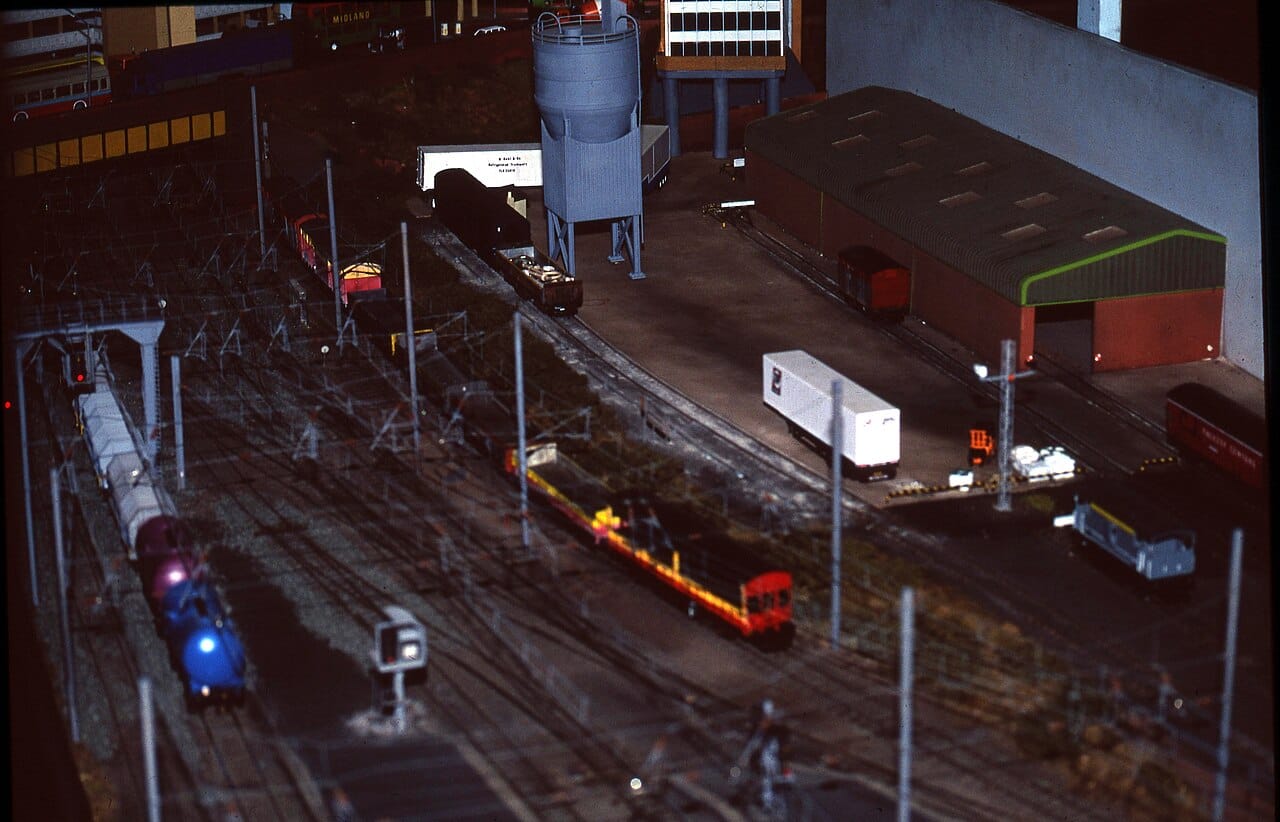
An OO gauge exhibition layout — the kind of plan that starts as a rough sketch and benefits enormously from getting it right in software before cutting any timber.
Where This Is All Going
None of these three tools have changed their fundamental design approach significantly in the last decade. They are all manual CAD-style tools: you place track, check it fits, adjust, and repeat. While that process works, it’s slow during the planning phase, and planning is often where layouts stall before they’re even built. The time between “I have this room” and “I have a workable plan” can stretch over weeks of iteration, and most of that time is spent on the mechanics of placement rather than the actual problem of whether the layout is any good.
The obvious next development is an AI-assisted layout generator: give it your room dimensions, your minimum radius, your preferred era, and your operational requirements, and have it generate layout options for you to review and refine. Nobody has built this yet, at least not in any form that works beyond a parametric oval generator. There are tools that will produce a minimum-radius continuous run, but nothing that actually reasons about what you want from a layout operationally and proposes solutions that take all the constraints into account at once.
My focus on this layout has been AI at the operational end: block detection, automated signalling, DCC sequencing. But layout planning feels like the more tractable problem in some ways. The constraints are physical and mathematical, the track geometry data already exists in these libraries, and a well-trained model given accurate measurements could generate a 4ft x 8ft (1.2m x 2.4m) continuous run with passing loop and goods siding in seconds. The information is all there; it’s the reasoning layer that’s missing.
It’s not a small engineering problem. But it’s not a mysterious one either. Someone will build it, and when they do, it’ll make the current generation of tools look like what they are: 2000s CAD packages with good track libraries attached.
Until then, download AnyRail, accept the 50-section limit as a first exercise, and see how far you get.